Minettes VIP Premium: Sessions, Free Access and Ads
· Minettes VIP
Saw a Premium session label and assumed your free access ends there? Not necessarily. On Minettes VIP, a content label and your account status answer different questions. A current free account can access sessions marked Premium. Paid membership lets you browse the catalogue without the ads shown during free access.
To check what you can view, sign in, open the session and review your status in Members. You do not need to make a purchase decision based on a card alone.
What the Premium session label means
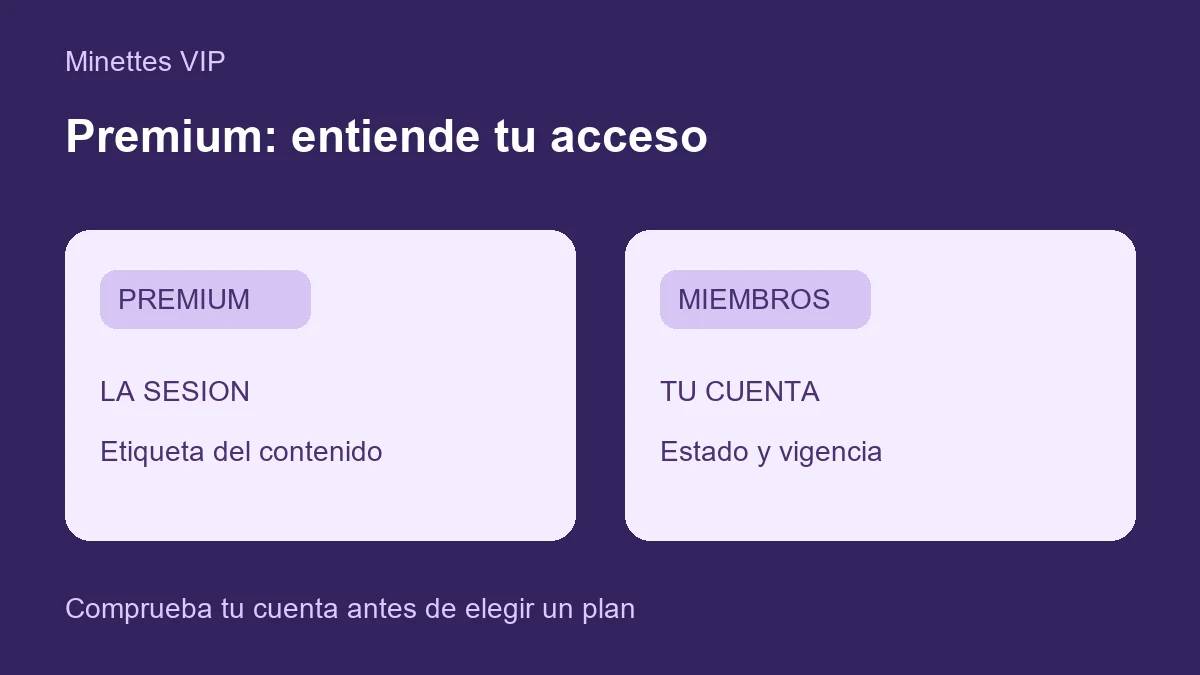
Premium classifies a session within the catalogue. It is not a receipt, an individual purchase or proof that your account has paid membership.
You may see a Premium card in the gallery and still open its content with current free access. If the session displays an access restriction, check your account status rather than assuming the label explains it.
Look at the model profile, session title and information shown when you open it. Our guide to choosing a session walks you through that process.
Free access with ads versus paid Premium
| What you see | What it tells you | What to check |
|---|---|---|
| A Premium label on a session card | A content classification | Open the session while signed in to check access |
| A current free account | Free access that can include Premium sessions | Account status and validity in Members; ads appear during this access |
| Active paid Premium membership | Paid access for the purchased period | Validity in Members and the selected plan's conditions |
| An expired-access notice | Your account validity needs checking | Review the account page or ask for help before paying |
Free access is supported by advertising. If you prefer browsing without those ads, review the Premium option. A Premium card alone is not a reason to buy membership: first check what your account already opens.
Your account page may call free access a “Free Trial.” Check the date and options shown in your account. The free account checked for this guide displays a “+30 free days” button to extend access; this is separate from buying ad-free Premium membership. See how Minettes VIP works with free access and ads for more detail.
Check your access in three steps
- Sign in to your usual account. If you have more than one, make sure you are using the right account before interpreting an expiry notice.
- Open Members and check status and validity. A session label does not replace your account information.
- Return to the gallery and open the session. If content fails to load, distinguish an access notice from a loading problem. An image or connection error does not prove you need to purchase Premium.
If you have valid membership but see a restriction, use Contact. Include the session link and the message shown, without passwords or access codes. Direct-transfer payments require manual activation; sending funds does not instantly activate membership.
What to check before choosing paid Premium
Review the duration, price and activation procedure on the payment page. The screen checked on September 28, 2026 offers one-, six- and twelve-month periods and states that access does not renew automatically. Check current prices there before deciding.
The direct-transfer flow accepts USDC on Ethereum (ERC-20) and asks you to send payment proof for manual review. The page states activation takes 24–48 hours. Follow the site's current instructions; do not substitute USDT for USDC or use a different network.
Membership and custom-content requests are separate options. Premium membership does not itself place a bespoke order. To propose a specific idea, read how to request custom content and review that request separately.
Frequently asked questions
Must I pay to open every session marked Premium?
Not necessarily. Current free access can allow it. Open the session while signed in and check your status in Members.
Does a Premium session mean my account has paid membership?
No. The label describes the session. Membership status is shown in your account.
What should I do about an expiry notice?
Check validity and the available options on your account page. If they do not match your access or a completed payment, contact the team for a review.
Does Premium include a custom-content order?
Do not assume so. Custom content has a separate request form, scope and confirmation process.
Start with what you can already access: open the gallery, choose a session and check your account status. If ads interrupt your experience, explore the Premium option next.