How to Choose a Minettes VIP Photo Session
· Minettes VIP
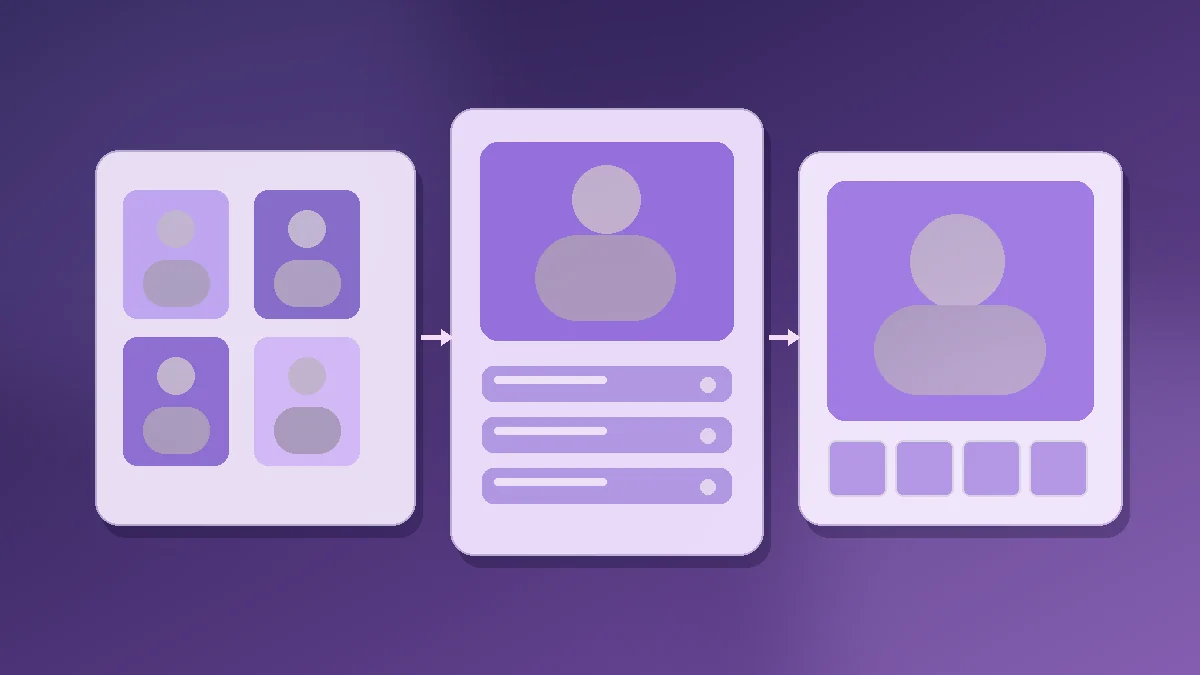
Choosing a Minettes VIP photo session takes three steps: open the model gallery, visit a profile and compare its sessions. Each session card leads to a photo collection with its own title and browsing controls. If you arrived through a picture or a model's name, this route helps you find more of her work without wandering through the catalog.
Explore the model gallery · Learn how free access works
1. Start with a model, not a single picture
The model gallery lists the available profiles and includes a name search. Enter a name you know or browse the cards. Each card opens a model profile, where her sessions appear together. That is more useful than jumping between individual pictures when you want to see whether she has several series.
For example, Kamila Mineli and Carla have profiles with their current sessions. Names and session counts can change as the catalog is updated. If a model no longer appears in search, return to the gallery and choose another profile; an older session may no longer be available.
2. Compare the session cards
A model profile has one card per session. Use the title and cover to identify the series and the image count to see its size. Some cards carry a “Premium” label. Treat it as a cue to check the access terms when you open the session, not as a promise that every image is available without limits.
In the catalog on September 23, 2026, Kamila's profile included “Dic Vol. 5” with 132 images and “Nov Vol. 4,” labeled Premium, with 117. These examples show how to read the cards. They are not a permanent inventory or a recommendation of one session over another.
If you want variety, compare two or three titles before opening one. If you already have a favorite model, start with one of her sessions and use the link back to her profile to try another.
3. Open a session and browse its photos
Inside a session you will see its title, the model's name and an image counter. Use Next image, pick a thumbnail or move between thumbnail pages. On mobile, these controls let you keep browsing without returning to the profile each time.
You can try this route in Kamila's “Dic Vol. 5” session. If you reach your free account's daily viewing limit, the site will tell you. The amount available depends on your account's terms, so check the counter and notice shown to you.
Choose a starting point
| Your goal | Start here | Check this |
|---|---|---|
| Get to know the catalog | Model gallery | Names and covers that catch your eye. |
| See more from one model | Her profile, such as Kamila Mineli | Session titles and image counts. |
| Explore a longer series | A session card with several images | Thumbnails, pages and access terms. |
| Watch videos | Video page | Available videos; a photo session does not guarantee video. |
You do not have to decide from a label or image count alone. Choose a cover and theme you like, then see whether that session's photos and browsing experience match what you came for.
Free access, ads and Premium
Joining Minettes VIP does not require a card. A free account lets you explore photos and videos with ads and a daily viewing limit. You renew free access manually every 30 days at no cost. Optional Premium removes ads and the daily limit; it does not unlock a different catalog. Our free-access guide explains the terms in more detail.
If you do not have an account yet, join for free and start with the gallery. You can choose a model and a specific session before deciding whether Premium is useful to you.
Frequently asked questions
Can I search sessions by model name?
The gallery lets you search models by name. Open a matching profile to see that model's sessions and titles.
What does the number on a session card mean?
It shows how many images are in that session's catalog entry. It can change when the session is updated.
Does every session include video?
Do not assume so. Sessions show photo galleries; browse the video section when you want videos.
Does a Premium label mean I must pay to open that session?
Do not infer access from the label alone. Open the session and check your account status and limits. Free access includes the catalog with ads and a daily limit; Premium removes those limits and the ads.