OnlyFans without a credit card: the options that work
· Minettes VIP
OnlyFans requires a credit card for payment. It only accepts Visa, Mastercard, Maestro, and Discover, and does not accept PayPal, bank transfers, or crypto. If you don't have one, in Mexico you have three options: a digital debit card, a prepaid virtual card, or a platform that doesn't require a card to log in. Below you'll find details on each, including the cost and potential drawbacks.
This post is for you if you don't have a credit card, your debit card isn't going through, or you don't want the charge to appear on your statement. It's not for you if you already have an international credit card: with that, OnlyFans simply works.
What OnlyFans accepts today and what it doesn't.
And if you want the whole mechanism before you put a card in —what you see, how it renews, what shows on your statement— it is in how OnlyFans works for viewers.
If you're also comparing it to Fansly, the payment is the same in both; the differences lie elsewhere: OnlyFans vs Fansly in Mexico .
OnlyFans only accepts card payments. Accepted cards include Visa, Mastercard, Maestro, and Discover, both credit and debit, as long as your bank allows international online purchases and 3D Secure verification (the code you receive via SMS or the app when you pay).
What he won't accept, even if you see it promised in videos:
PayPal. PayPal's policies prohibit charging for adult content, so OnlyFans has never used it as a payment method.
Cryptocurrencies. There is no way to pay for a subscription in Bitcoin or USDC.
Transfer, OXXO, deposit. These are not options.
OnlyFans gift cards. They don't exist. If someone tries to sell you one, it's a scam.
It also charges in dollars : your bank converts it to pesos at its exchange rate and, in many cases, adds a foreign transaction fee. A $10 subscription usually costs between 185 and 205 pesos, depending on the bank and the day.
How much does each thing cost (subscription, messages, tips) and in pesos: how much does OnlyFans cost in Mexico .
Option 1: a digital debit card from your bank
It's the cheapest solution if your problem is "I don't have credit." Almost all Mexican banks now issue a digital debit card through their app, with a different number than your physical card, which you can activate and deactivate whenever you want.
For it to happen on OnlyFans, three things need to be met:
International purchases enabled. Many banks have them turned off by default; you turn them on in the app, in the card section.
Online shopping enabled. It's a different switch.
Sufficient balance in dollars , with room for the commission and the exchange rate.
Where it fails: Some banks reject charges from adult content platforms even when everything is activated, and they don't always tell you. If you see "card declined" with a balance and everything turned on, that's what it is, and there's no way to force it. It's also important to know that the charge will appear on your statement , listed as OnlyFans.
Option 2: a virtual prepaid card
This is what almost all the sites that rank for "OnlyFans without a credit card" sell: a Visa or Mastercard number that you load with credit and use like any other. It's useful if you don't have a bank account, or if you want the charge to remain separate from your main account.
What to look for before buying one:
It must support 3D Secure. Without it, OnlyFans rejects it. This is the number one reason why people say, "I bought a virtual card and it didn't work." OnlyFans officially says it doesn't accept prepaid cards; in practice, virtual cards that behave like a regular card with 3D Secure are accepted, and there's no guarantee that this will continue.
How much do they charge for top-ups and maintenance? Some charge a percentage per top-up, others a monthly fee. For small subscriptions, the commission can be 20% or 30% of what you pay.
How to top up from Mexico. If the only way is with another card, it doesn't solve anything. Look for accounts that accept cash deposits, bank transfers, or crypto.
Who issues it? If the website doesn't say which bank or entity backs the card, don't give them your money.
Where it falls short: it's the option with the most friction. Each top-up is a hassle, and if the subscription renews automatically and the card has no balance, OnlyFans cuts off your access.
Option 3: a platform that doesn't require a card to enter
There is a second route worth knowing here: Fansly has an internal wallet you top up with cryptocurrency (BTC, ETH, LTC, USDT, USDC, SOL and others), and that balance pays for subscriptions, tips and posts. It is the closest thing to using OnlyFans without a card, on the platform that competes with it. Explained in how Fansly works.
The third option is to not fight with OnlyFans. There are platforms where access doesn't depend on a credit card, and Minettes VIP is one of them. We'll tell you all about it, with its pros and cons.
How free access works on Minettes VIP:
The step-by-step registration process, with screenshots, is in how to view content from Latin models without a credit card .
You register with your email and confirm that you are of legal age . It doesn't ask for a card, ID, or bank details.
You watch the models' photoshoots and videos with ads and a daily view limit that resets every day.
When your access expires, you can renew it for free with the click of a button , 30 days at a time, as many times as you like. No commitment and no charges.
What Premium adds , if you ever want it: no ads (not even before videos), no daily limit, and the ability to like and comment. It costs from $5 USD per month ($25 for six months, $45 for twelve), as a one-time payment : there's no automatic renewal, and we don't save your card details. Payment is processed by Coinbase, which accepts crypto, and if you don't have any, it lets you pay with other methods without needing to know anything about wallets.
Everything that the free account does and what changes with Premium, with prices, is explained in how Minettes VIP works for free with ads .
The only thing you won't find there, so there are no surprises, is that it's not OnlyFans. You won't find the creator you follow there. It's a unique catalog of photoshoots featuring Latina models, with new content every month. You can check it out on Yuli 's profile.
What nobody tells you
The charge is in dollars, and your bank determines the exchange rate. Two people with the same subscription will pay different amounts in pesos.
The name on your statement isn't "OnlyFans." It's the name of the payment processor, and it changes from time to time. Keep that in mind if you share an account.
Renewals are automatic on OnlyFans. If you subscribe with a virtual card and run out of funds, you'll lose access without notice. If you use a debit card, the charge will be processed every month until you cancel through the platform.
A charge being declined multiple times can block your card. Before trying again, check the international and online purchase blocks.
The "no card" options that ask you to install an app or APK are not payment methods: they are scams or malware. OnlyFans does not have a payment version that requires payment in any other way.
How to recognize a free trial that doesn't end in a charge: free trial without a card, no automatic charges .
If you're in the United States
The options above are Mexican banks. From the US the rule is the same —OnlyFans takes cards and nothing else— but the routes are different:
| What you have | Does it work? |
|---|---|
| A debit card (Visa or Mastercard) | Yes. Most people searching "without a credit card" already have this, and it's the answer |
| A card from a neobank: Chime, Cash App, Varo, Current | Yes, they're Visa debit cards |
| A reloadable prepaid Visa/Mastercard | Often, if you register it online with a name and ZIP code first |
| A non-reloadable gift card from a store | Usually not |
| A virtual card number from your bank | Yes, if it's issued on your real Visa/Mastercard |
| A burner virtual card (Privacy.com and similar) | Sometimes; the processor rejects some of them. Test with the cheapest subscription |
| American Express | No, it isn't accepted |
| PayPal, Venmo balance, Zelle, Apple Pay, Google Pay | No, none appear at checkout |
| Cash, an OnlyFans gift card, crypto | They don't exist on OnlyFans |
The honest summary: there is no way to pay OnlyFans without a card of some kind. What you can avoid is using your main credit card — a debit card, a bank-issued virtual number or a registered reloadable prepaid will all do, and the charge still shows on whatever account funds them.
If the real goal is for nothing to reach your bank at all, the only route is a platform that doesn't ask for a card. Two exist: Fansly, whose wallet you top up with cryptocurrency, and Minettes VIP, where free access needs only an email.
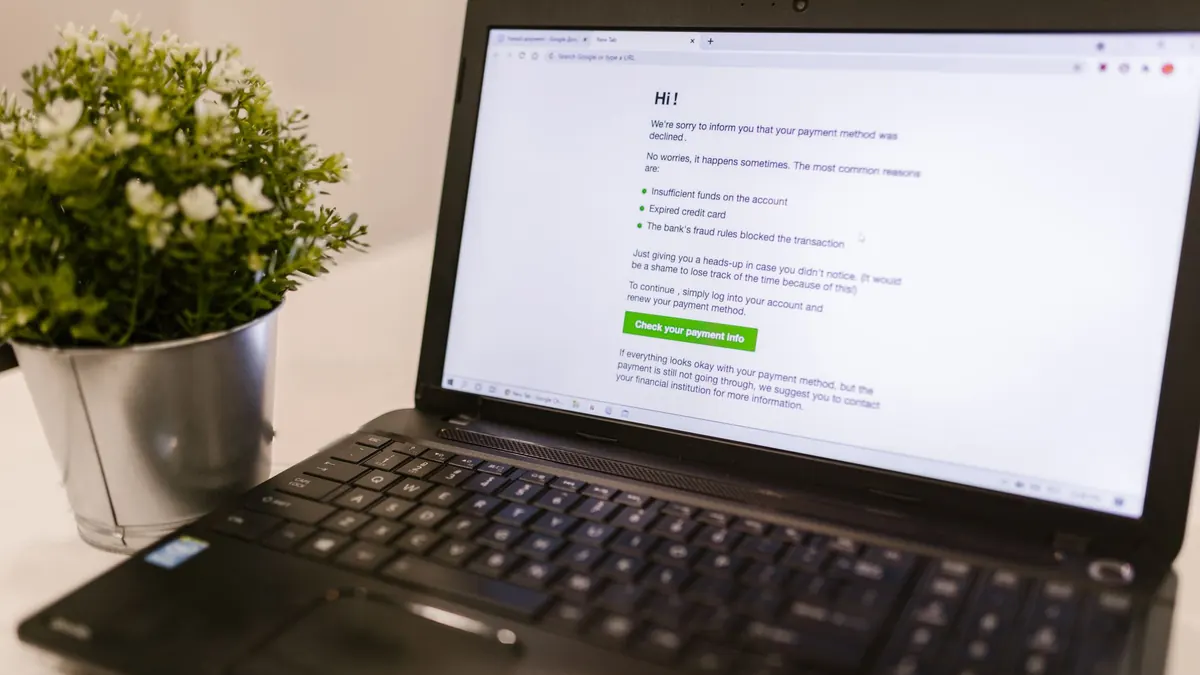
Why the card button is greyed out, or the payment is declined
Almost always your bank, not OnlyFans. In order of how often it's the cause:
- International or online purchases are off. Turn them on in your bank's app. This is the single most common reason a card "won't work."
- The ZIP code or name doesn't match what your card issuer has on file. Prepaid cards fail here constantly, because they ship unregistered.
- Your issuer blocks adult merchants. Some banks and most conservative credit unions decline the whole merchant category. The card is fine; it just won't go through there, and no amount of retrying changes it.
- 3D Secure didn't complete. The SMS or app confirmation has to be approved, not just received.
- Too many attempts. After three or four declines the issuer often locks the card for a while, which is why the field then looks greyed out or the error changes.
- The card type isn't supported. Amex and non-reloadable gift cards are not.
What not to do: dispute a charge with your bank instead of cancelling the subscription. A chargeback is treated as fraud, and it usually ends with the OnlyFans account closed and that card refused from then on.
Frequently Asked Questions
Is it possible to pay for OnlyFans without a credit card?
Without a credit card, yes: with a debit card that has international and online purchases enabled, or with a prepaid virtual card. Without any card, no: OnlyFans does not accept any other method.
How to subscribe to OnlyFans without a credit card?
There's no way to subscribe without a Visa, Mastercard, Maestro, or Discover card. However, you can get a card that isn't linked to your main account (digital or virtual debit), or use a platform that doesn't require one.
Is it possible to register for OnlyFans without a credit card?
Creating an account is easy: it only requires an email address. However, you can't subscribe to anyone or purchase content without a credit card. The account without a card is only for viewing free profiles.
How to watch OnlyFans without entering a credit card?
Profiles marked as free can be viewed without a credit card. Anything paid cannot. And pages promising "view OnlyFans for free" from a specific creator are either pirated or fraudulent.
How to top up OnlyFans without a card?
OnlyFans doesn't have a balance or top-ups: each subscription or purchase is charged to your card immediately. What gets topped up is the virtual card, if you use one, and that depends on the card issuer.
Are there platforms like OnlyFans that don't require a credit card?
Yes. With Minettes VIP, free access is granted with email and proof of age, and it renews for free every 30 days. Premium is optional and is paid for with Coinbase, with no automatic renewal.
Want to see it instead of reading it? Create your free account at Minettes VIP : email, proof of age, and you're in. No credit card required.